Bid package templates quietly drive every scope exhibit you send to subcontractors. When those templates live as loose Word files, revision control becomes guesswork—and risk creeps into every bid. This post shows a better way: lifecycle stages and revision states that keep your bid packages consistent, current, and defensible.
Preconstruction Depends on Templates More Than You Think
Every scope exhibit in a bid package starts with a template.
Those templates decide which clauses appear, how risks are allocated, and how clearly you describe the work. When they’re solid, your preconstruction process feels orderly. When they drift, you invite confusion, RFIs, and disputes—quietly, across dozens of projects.
Most contractors try to manage template revision control with Word, shared drives, and careful habits. It works well enough until it doesn’t—until someone reaches for an old copy, or edits the “master” in a rush, and a small template problem turns into a big commercial issue.
This post looks at a different approach: treating template revision control for bid packages as a structured system, not a folder convention.
This post is part of a series exploring the hidden challenges of creating construction bid packages—and how modern tools can help teams reduce risk and improve outcomes.
ike this:
- Someone opens Steel_Scope_Template_v3_final.docx.
- They add the new clause and save it as Steel_Scope_Template_v4_FINAL.docx.
- One estimator grabs v4, another keeps using v3 from their desktop.
- A month later, someone reuses v3_final on a new project.
- Same misunderstanding, same fight, same expensive outcome.
You “fixed” the template, but not the system.
How It Works with Template Revision Control
Now imagine the same change in a system with stages and revisions:
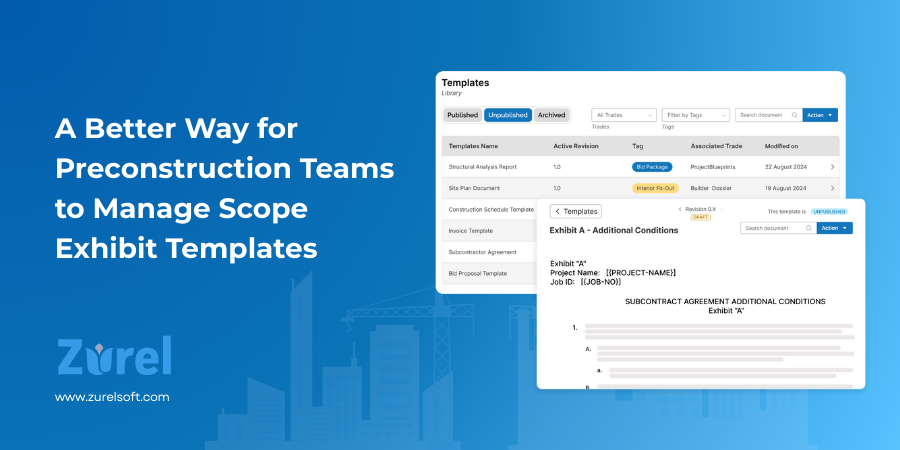
- The structural steel template is PUBLISHED, with ACTIVE revision 2.0.
- A precon manager creates a new DRAFT from 2.0 and adds the “no crane provided” clause.
- While they’re editing, project teams still use ACTIVE 2.0 on live bids.
- Risk and operations review the new wording in DRAFT 2.X.
- With one click, the manager promotes DRAFT 2.X to ACTIVE 3.0.
- The old 2.0 automatically becomes OBSOLETE, kept only for history.From that point on, every new steel exhibit created from the PUBLISHED template includes the new clause.
If a dispute ever comes up later, you can do more than say “we think this was the wording at bid time.” You can open the template, see which revision was ACTIVE when the bid went out, and show exactly when the “no crane provided” clause was added.
Same business decision. Completely different level of control, consistency, and defensibility.
A Simple Checklist: 5 Rules for Template Revision Control
You don’t need a huge rollout to get value from template revision control. Start by changing how you think about templates, even if you’re still in Word today. These five rules are a good baseline for any preconstruction team building bid packages.
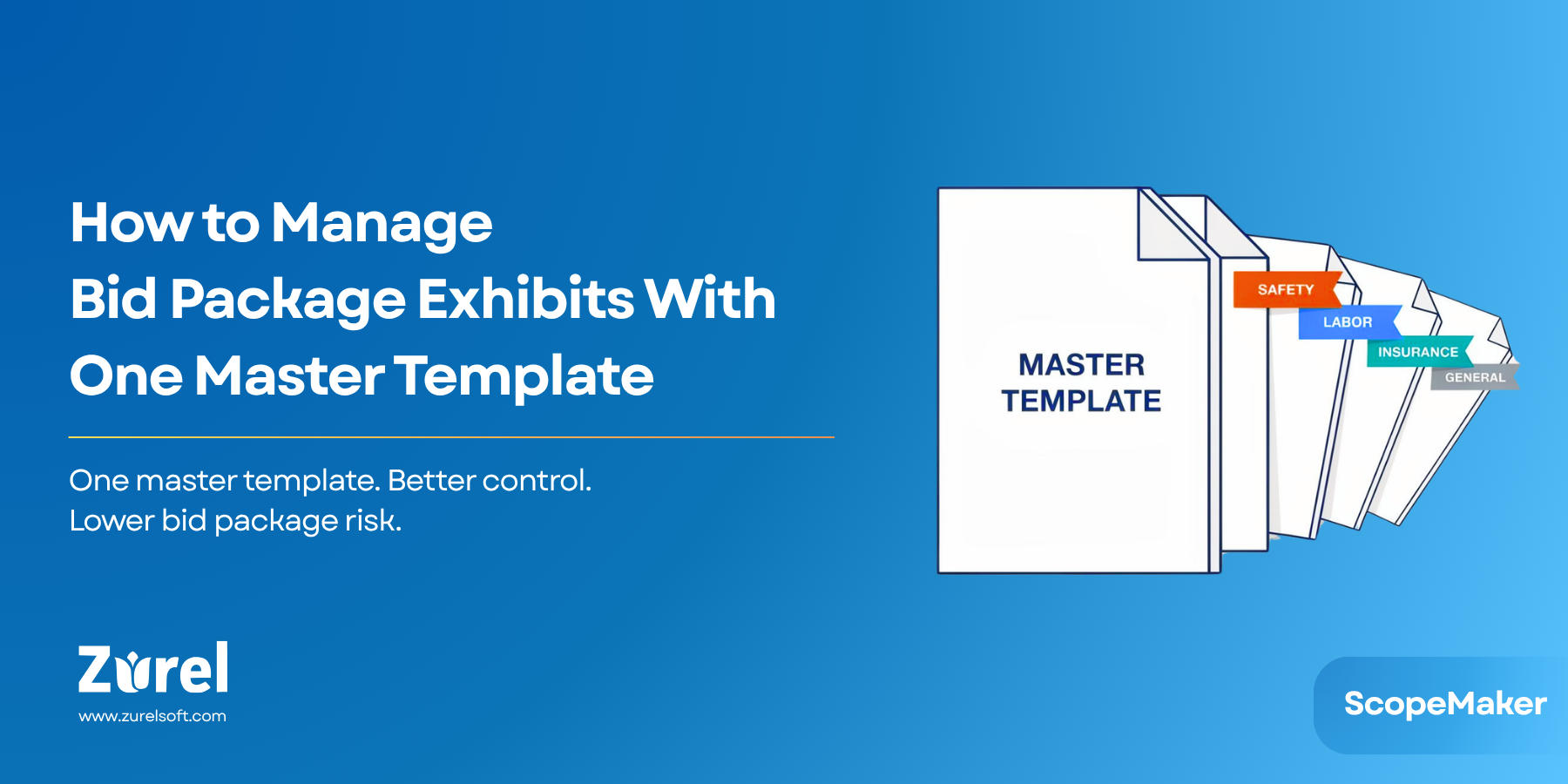
- One template per trade or exhibit.
Stop cloning Word files with new names. Treat each template as a single “home base” for that scope. All related exhibits in your bid packages should trace back to that one template and its revisions. - Separate “in use” from “in progress.”
Don’t experiment on the same revision that’s driving live bids. Make changes in a DRAFT while the current ACTIVE revision keeps feeding projects. When the new wording is ready, promote it—don’t overwrite what’s already in use. - Limit who can touch the template itself.
Most people only need to use templates, not edit them. Keep a small, accountable group of precon managers and risk owners responsible for creating DRAFTs, promoting to ACTIVE, and deciding when templates move between UNPUBLISHED, PUBLISHED, and ARCHIVED. - Never delete history—retire it.
Old language is still useful for questions, lessons learned, and claims. Instead of deleting, move templates and revisions into an ARCHIVED/OBSOLETE state so they’re out of day-to-day circulation but still available when you need to see what was in place at bid time. - Pause when in doubt.
If someone spots a serious issue in a template, the first move shouldn’t be an urgent edit in Word. Take the template out of play (UNPUBLISHED), fix it in DRAFT, then put it back into PUBLISHED with a clean ACTIVE revision. No scrambling, no guessing which version people used in the meantime.
Even before you adopt a dedicated system, following these rules will make your bid packages easier to manage and far less vulnerable to “wrong template” surprises.
Common Objections (and Why They Don’t Hold)
Any time you talk about tightening up template control, a few familiar concerns show up. They’re understandable—but they usually come from living inside Word and shared drives for a long time.
“We already have Word templates that work fine.”
They work fine right up until someone grabs the wrong file, edits the “master” in a rush, or forwards an old copy to a new team member. Word doesn’t know which revision is current, which one is retired, or when a change was made. All of that discipline has to live in people’s heads and file names—and that’s exactly where risk creeps in.
“This seems like overkill for a few documents.”
Those “few documents” quietly drive every scope exhibit in your bid packages. A small mistake in a template—an outdated clause, a missing directive—doesn’t just affect one project. It repeats across dozens of subs and jobs, multiplying the cost of what looked like a minor issue.
“We don’t have time to manage stages and statuses.”
Most of your organization never has to think about stages or revision states. Project teams just pick a template and build their exhibits; ScopeMaker quietly gives them the current ACTIVE revision of PUBLISHED templates by default. The beauty of ScopeMaker is that it manages the mechanics for you.
If you’re already trying to enforce structure in Word—with naming rules, archive folders, and email reminders—using stages and revisions in Zurel is actually simpler and more reliable. And if you’re not doing that today, the cost of risk and inefficiency from loose templates is almost always higher than the few clicks it takes to unpublish a template, promote a DRAFT to ACTIVE, or retire an old standard inside the system.
Frequently Asked Questions
Conclusion: Take Template Revision Control Seriously
Today, template revision control is one of the quietest sources of risk and inefficiency in preconstruction. When it lives in Word file names and shared folders, you’re never fully sure which wording is current, or which templates should still be in use—and those small uncertainties show up later as RFIs, disputes, and rework.
ScopeMaker (Zurel) is built to take that weight off the team. It gives you a simple way to control both sides of the problem:
- Which revision is current, and
- Which templates are actually available for new bid packages.
Project teams just pick a template and build their exhibits. The system handles the rest—so your bid packages become easier to manage, less risky, and a lot more consistent than anything you can hold together with file names and good intentions.
ScopeMaker still gives you one current revision per template, a clear way to retire old standards, and an audit trail you can rely on when questions come up later.
Want to see how template revision control could work with your bid packages? Schedule a short walkthrough of our Bid Packages / ScopeMaker workspace.
Exploring template directions, content protection, or inheritance next? Check out the related posts in this series to round out your bid package playbook
About Author